Wheel Templates – Ready-Made Spin Wheels
Pick a template, edit the list if you need to, and spin. Each one is a custom wheel you can change, save and share — free, no sign-up.
Names & Characters
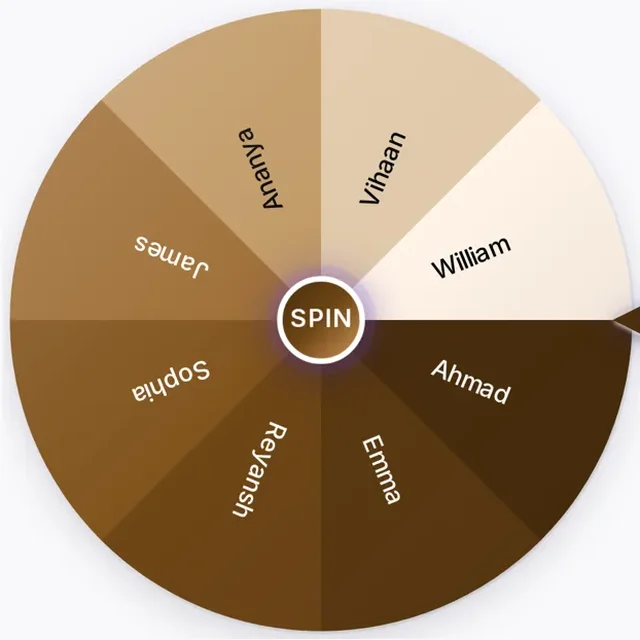
Wheel of Names
The ultimate random name picker wheel for classrooms, raffles, and giveaways. Add your list of names and spin to choose a winner fairly.

Random Name Generator
Spin the wheel to generate a random name.
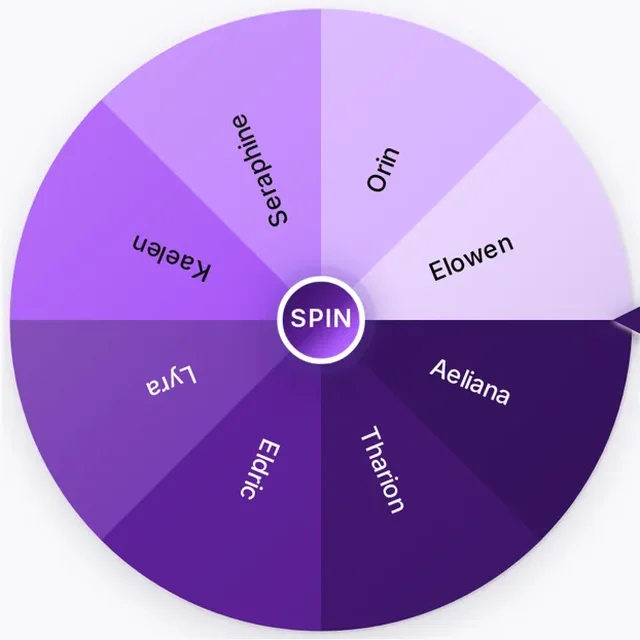
Fantasy Name Generator
Spin to generate a random fantasy name.

Random Character Generator
Spin to generate a random character.
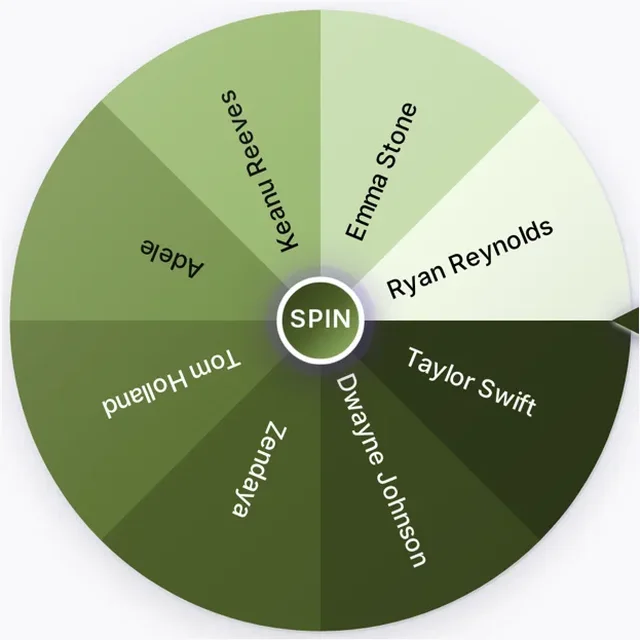
Random Celebrity Generator
Spin to choose a random celebrity.
Decision Makers

Yes or No Wheel
Spin the wheel to get a random Yes or No answer.

Decision Wheel
Add your choices and spin the wheel to make a random decision.

Random Object Generator
Spin to choose a random object from a ready-made list.
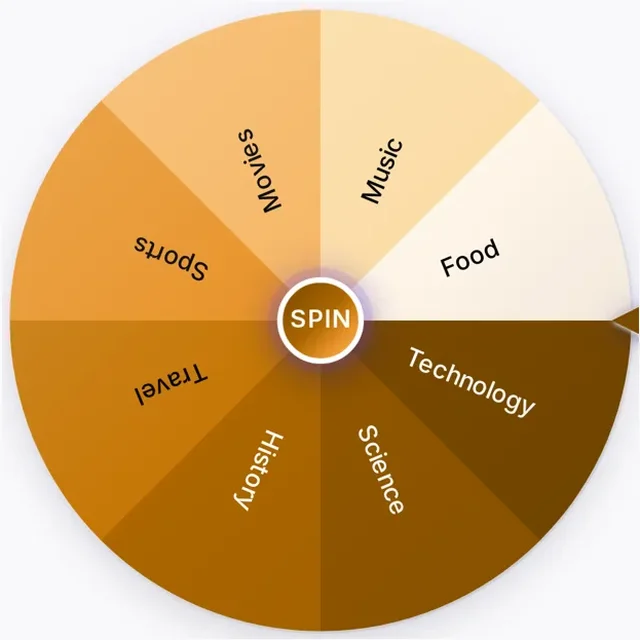
Random Topic Generator
Spin the wheel to choose a random topic.
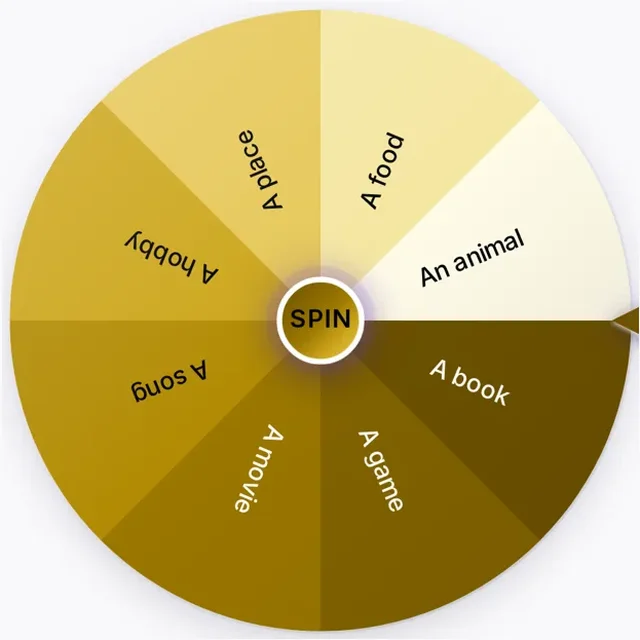
Random Thing Generator
Spin the wheel to choose a random thing from a ready-made list.
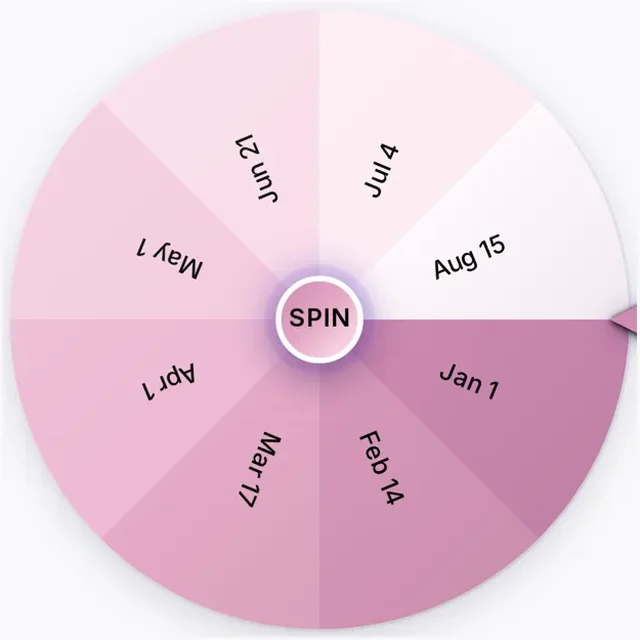
Random Date Generator
Spin to choose a random date from a ready-made list.
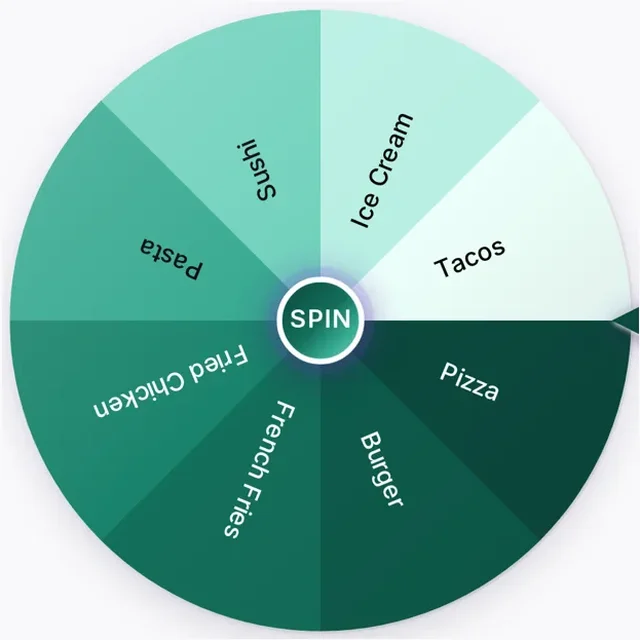
Food & Lifestyle
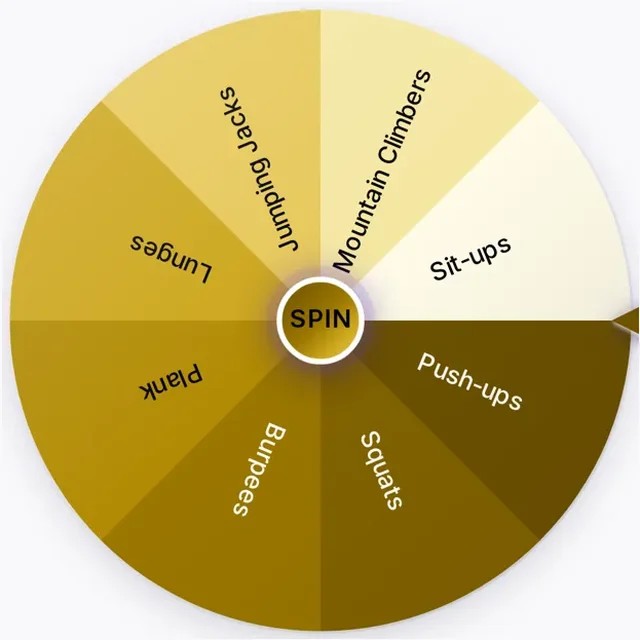
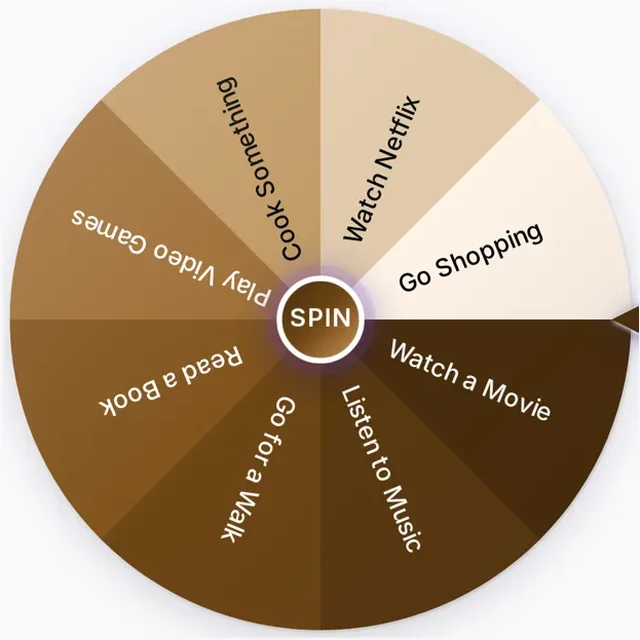
Travel & Places
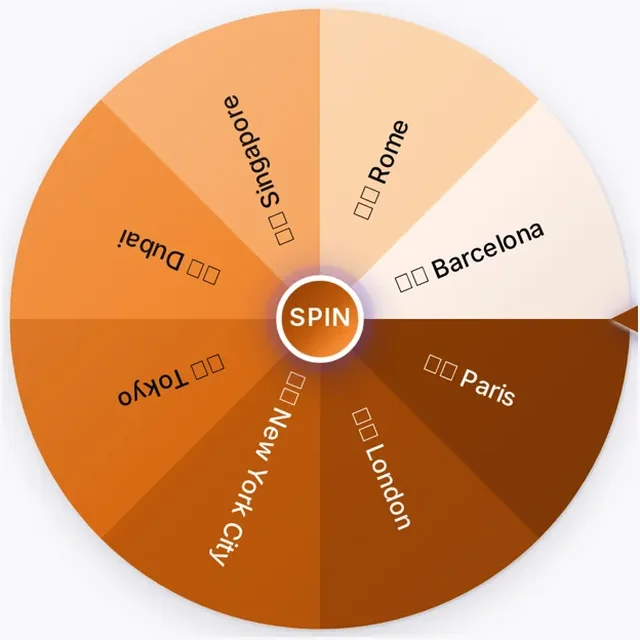
Random Travel Destination Generator
Spin to pick a random travel destination for your next trip.
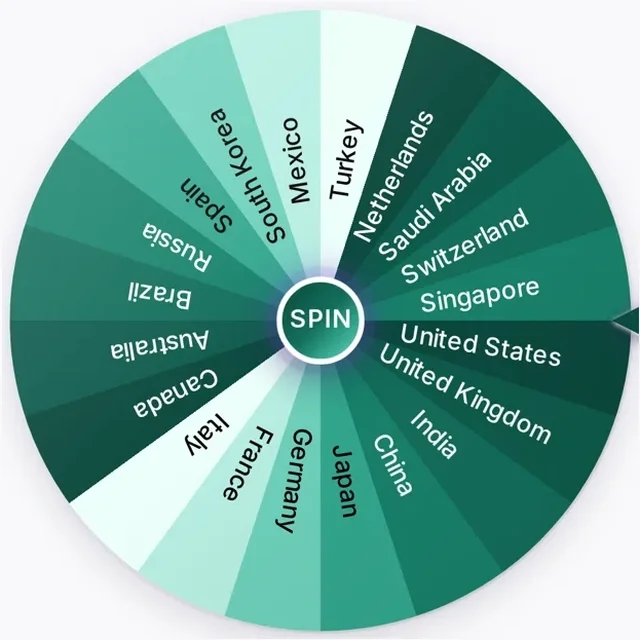
Random Country Generator
Spin to choose a random country from a ready-made list.
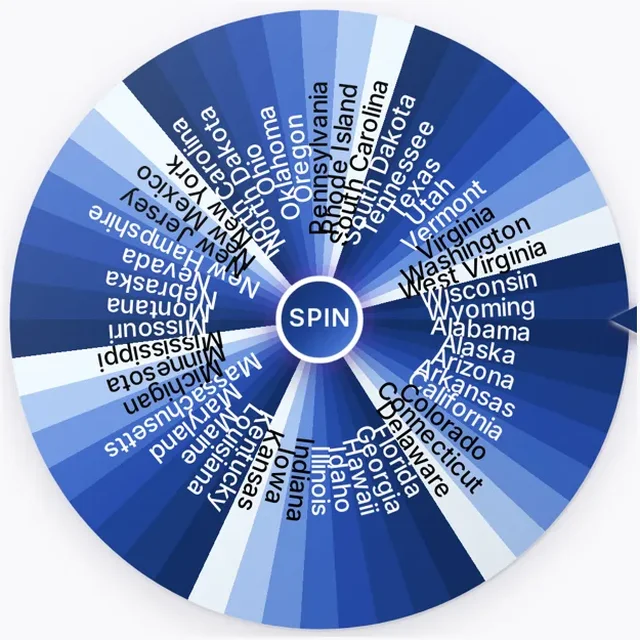
Random State Generator
Spin to choose a random U.S. state from a ready-made list.
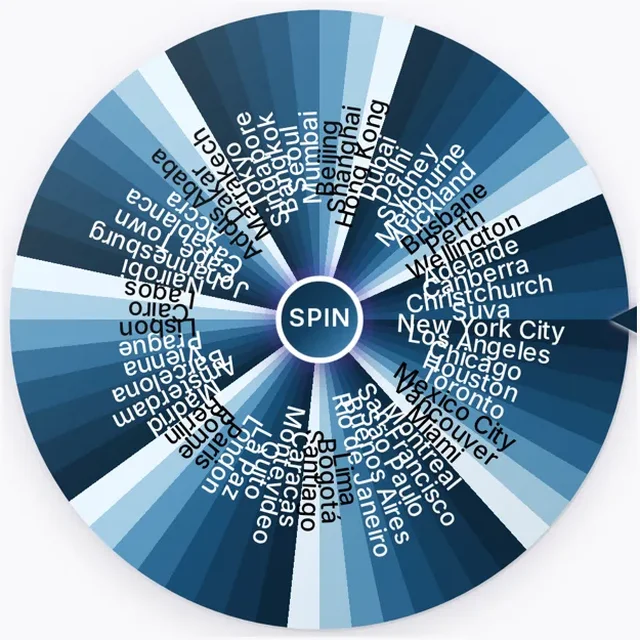
Random City Generator
Spin to choose a random city from a ready-made list.
Party & Games
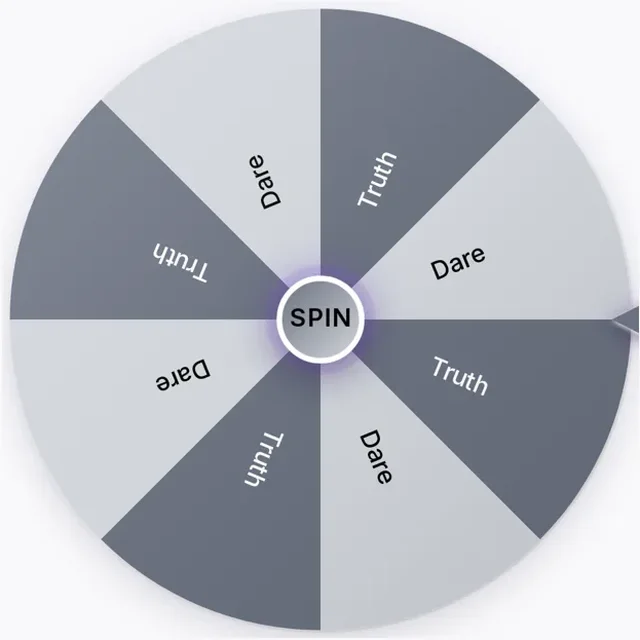
Truth or Dare Wheel
Spin the wheel to pick truth or dare for your party game.
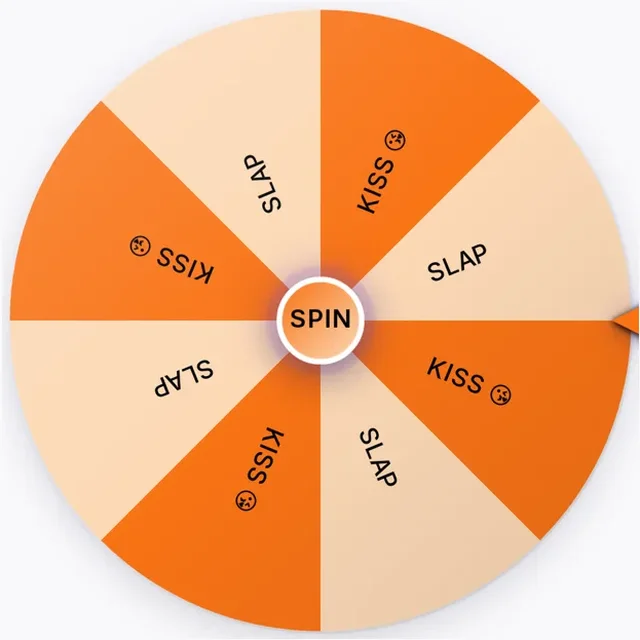
Kiss or Slap Wheel
Spin the wheel to randomly land on kiss or slap — a fun party game.
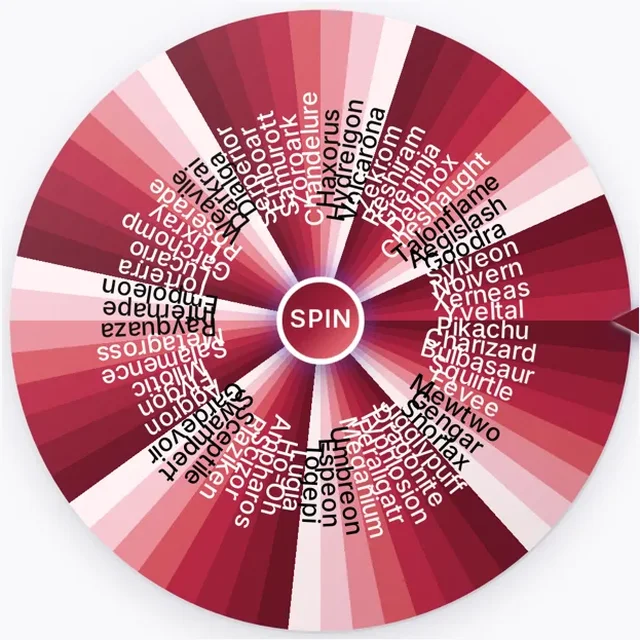
Random Pokémon Generator
Spin to choose a random Pokémon from a ready-made list.

Random Animal Generator
Spin to choose a random animal from a ready-made list.

Random Card Generator
Spin to choose a random playing card from a ready-made deck.
Movies & Music
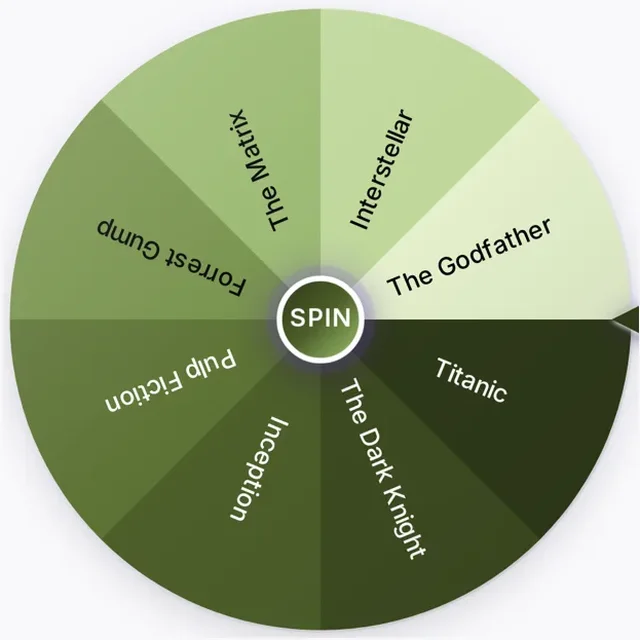

Numbers & Letters
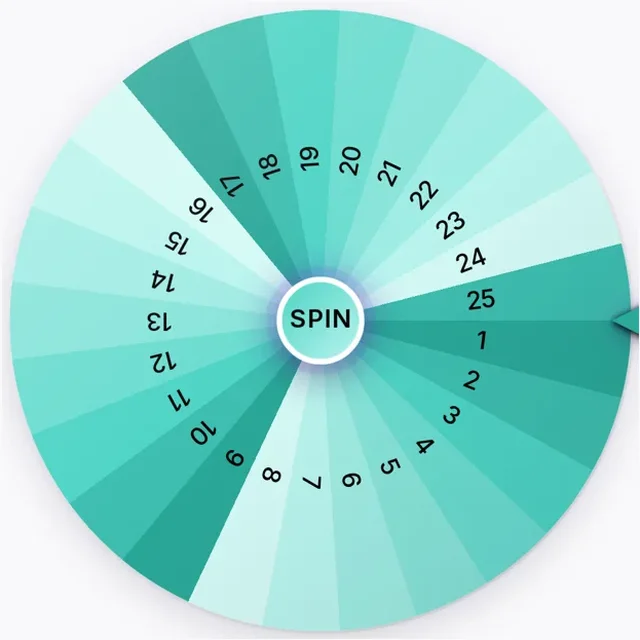
Random Number Wheel
Spin to choose a random number from a customizable number list.
Random Number 1–100
Spin to choose a random number from 1 to 100.
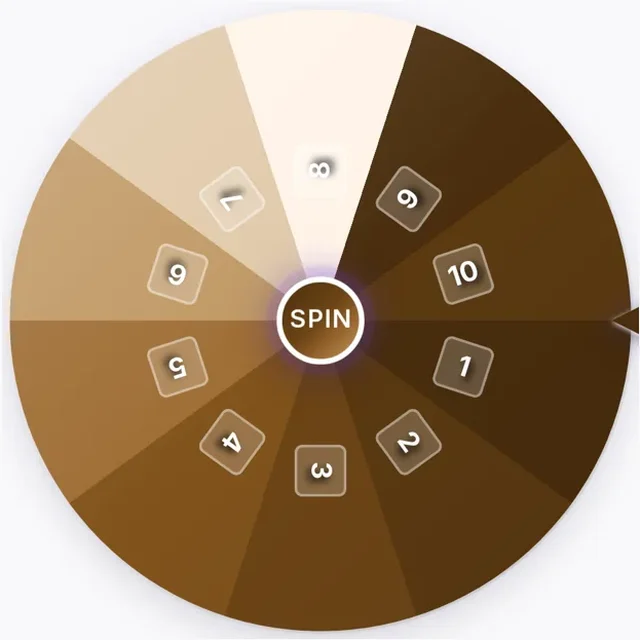
Random Number 1–10
Spin to choose a random number from 1 to 10.
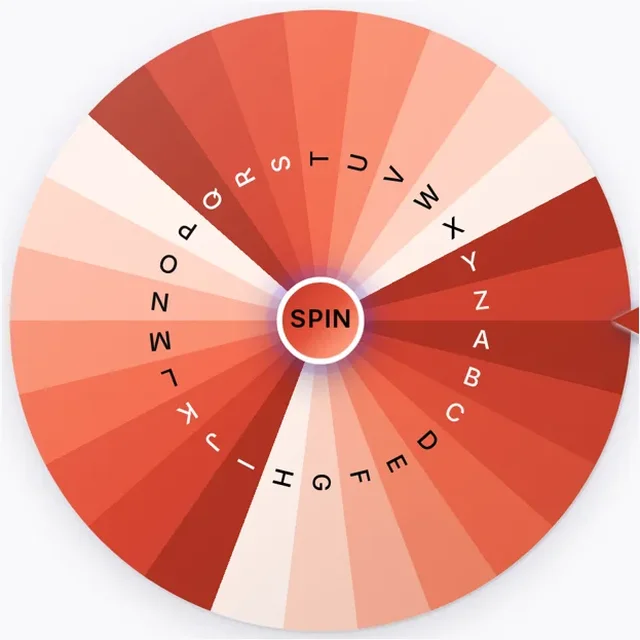
Random Letter Generator
Spin to choose a random letter from the alphabet.
Prizes & Giveaways
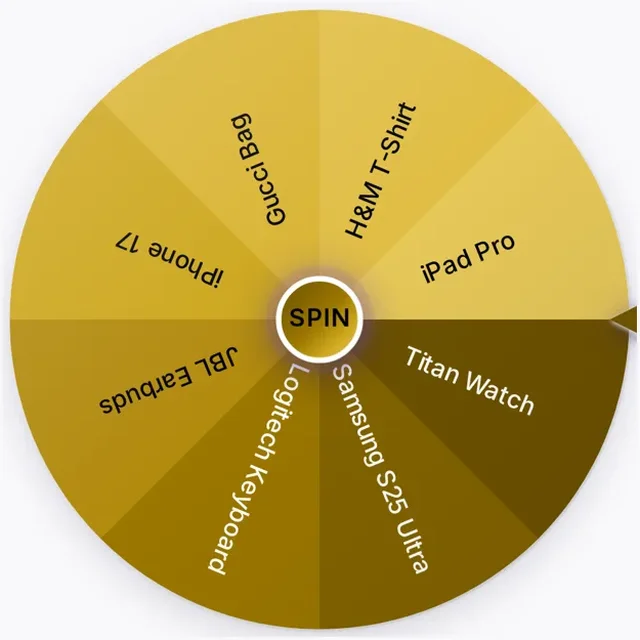

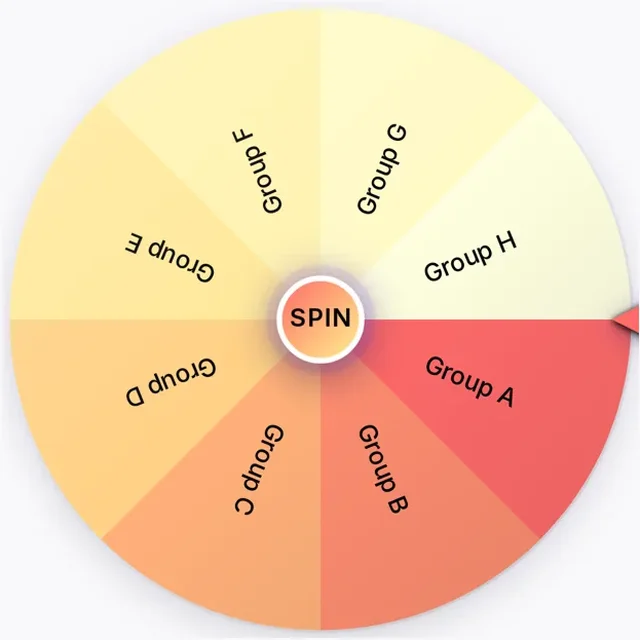
Teams & Groups
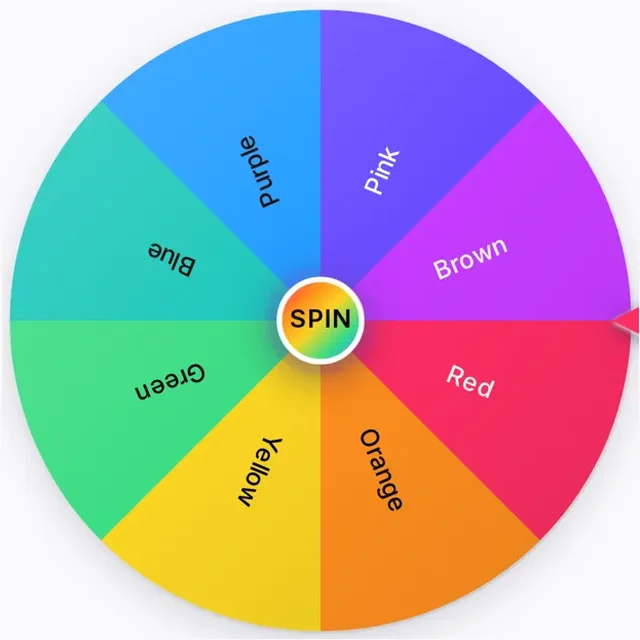
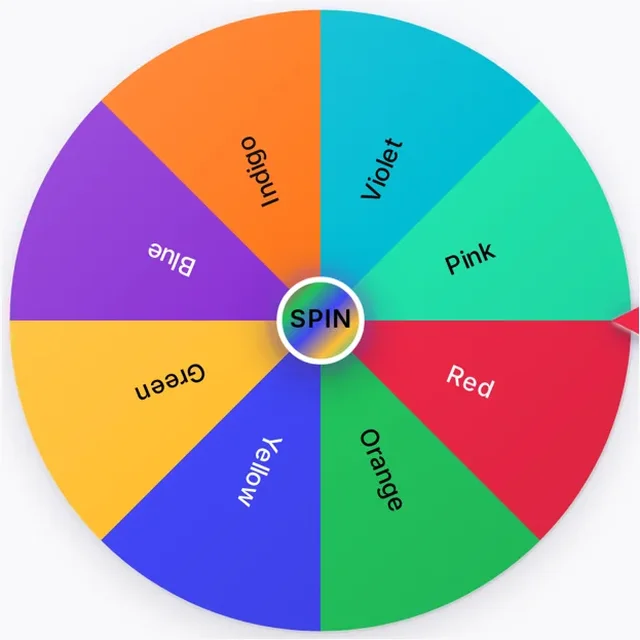
Colors & Design
Written by the WheelShuffle team
What a wheel template saves you
Most people who search for a custom spin the wheel tool want the same few lists again and again: a straight answer, a set of prizes, a class register, tonight's dinner. A template is that list already typed out on a wheel. You open it, swap anything that does not fit, and spin. Nothing is locked — every template here is a normal editable wheel, the same one you get when you spin the wheel on the homepage.
Which template fits your job
- A quick decision. The yes or no wheel gives a 50/50 answer; add "Maybe" and each option drops to 1 in 3. For a fixed set of answers instead, ask the Magic 8 Ball.
- Picking a person. Paste names into the wheel of names to call on a student or choose a giveaway winner. To split a whole group, the random team generator is faster than spinning once per person.
- Giveaways and events. The prize wheel lets you list rewards and make the big prize rarer with a lower weight, so a gift card does not land as often as a sticker.
- Everyday choices. Settle dinner with the food picker wheel, movie night with the movie picker, or a bored afternoon with the activity picker.
- Party games. The truth or dare wheel comes with ready prompts, so no one has to invent dares on the spot.
How the odds work on a template
Every entry starts with an equal slice, so the chance of any one entry is simply 1 divided by the number of entries. Adding entries lowers each one's chance; giving an entry a weight of 2 doubles its slice compared with an entry at weight 1.
| Entries on the wheel | Chance for each entry |
|---|---|
| 2 | 1 in 2 (50%) |
| 4 | 1 in 4 (25%) |
| 6 | 1 in 6 (about 16.7%) |
| 8 | 1 in 8 (12.5%) |
| 10 | 1 in 10 (10%) |
| 20 | 1 in 20 (5%) |
Spinning again does not "remember" earlier results, so the same entry can win twice in a row. If you need every winner to be different — a raffle with three prizes, or calling on each student once — turn on winner removal so the picked entry leaves the wheel after each spin.
Turn a template into your own wheel
- Open the template closest to what you need.
- Edit the entries: delete what you will not use, paste in your own list.
- Change colors, sounds and spin time in settings if you are showing it on a big screen.
- Sign in and save it to reuse later, or share a link so others spin the same wheel.
Step-by-step help for each setting is in the user guide.